WhatIfNoJobEver
FellThroughtheCracks?
OtoPro's Standard Operating Procedures (SOP) is a locked, sequential 13-step workflow that ensures every repair — from assignment to delivery — follows the same gold-standard path. No step is ever skipped.
New Assignment
Every job starts with a clean, complete record.
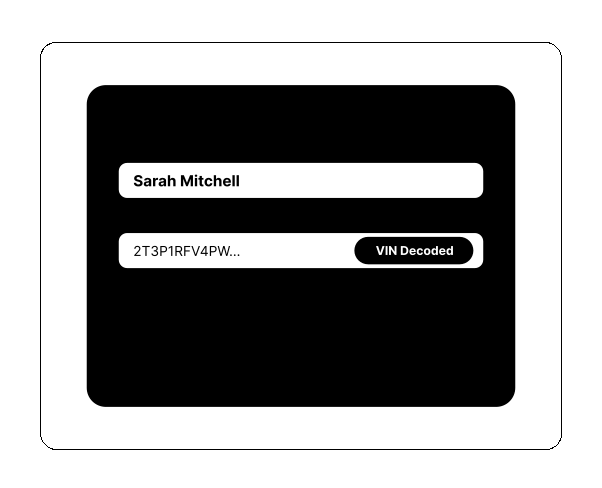
Enter client and vehicle details — the VIN decodes automatically, pulling make, model, year, and trim. OtoPro checks for duplicate clients, creates an internal reference number, and notifies the entire team via SMS and email within seconds.
Cloud Folder + QR Code
Every document, perfectly organized — automatically.
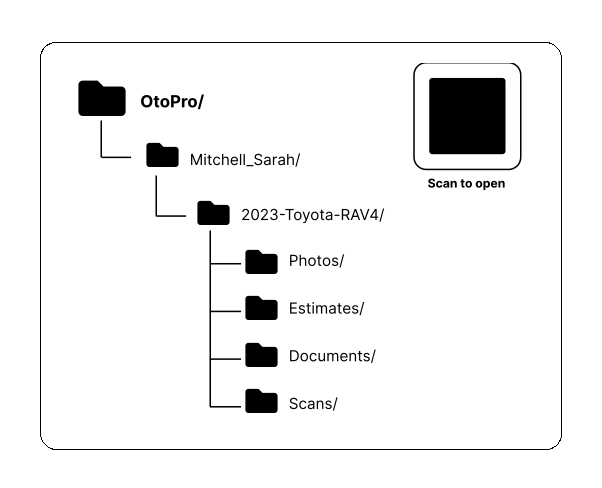
OtoPro auto-creates a structured folder in your connected cloud storage (Google Drive, Dropbox, or OneDrive) with proper naming conventions. A unique QR code is generated for this vehicle — print it and stick it on the windshield. Any team member can scan it to instantly open the job.
Appointment Booking
No more back-and-forth scheduling calls.
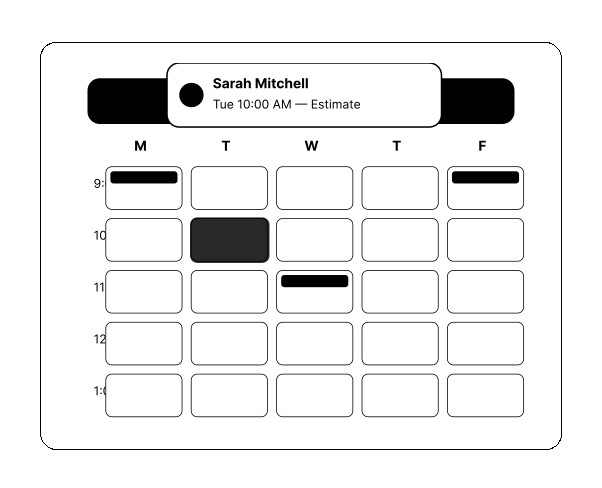
Book estimate or repair slots using OtoPro's capacity-managed calendar. Customers can self-book via your branded booking page. Capacity limits prevent overbooking. Appointments sync with Google Calendar automatically, and clients get confirmation + 24-hour reminder SMS.
Pre-Repair Inspection
Document everything before a single wrench is turned.
Walk through OtoPro's structured pre-repair inspection: 8 required photo angles, tap-to-annotate vehicle damage diagram, and a digital signature from the client acknowledging existing damage. Works offline on mobile — syncs automatically when back online.
Estimate + AI Assessment
Parts priced live. Damage detected by AI. Estimates in minutes.
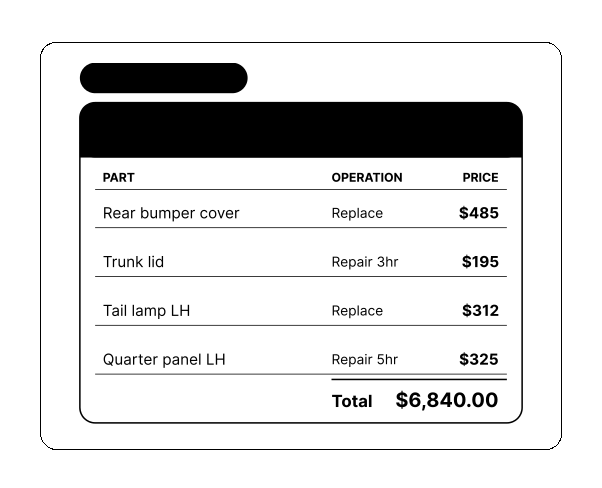
Write estimates with live parts pricing from 7 suppliers simultaneously. AI analyzes your damage photos and suggests panel classifications, repair operations, and labour hours. The Toonie Rule is applied automatically to optimize part type selection. Supplements are tracked through S1, S2, and S3.
Client Authorization
One tap to approve. Zero phone tag.
Client receives a link via SMS or email — they review the estimate on their phone and sign electronically. No app download needed. OtoPro's AI also monitors your inbox and automatically detects insurance approval emails from carriers like Mitchell, Allstate, Aviva, and Intact.
Parts Ordering
Order the right parts. Collect the deposit. Automatically.
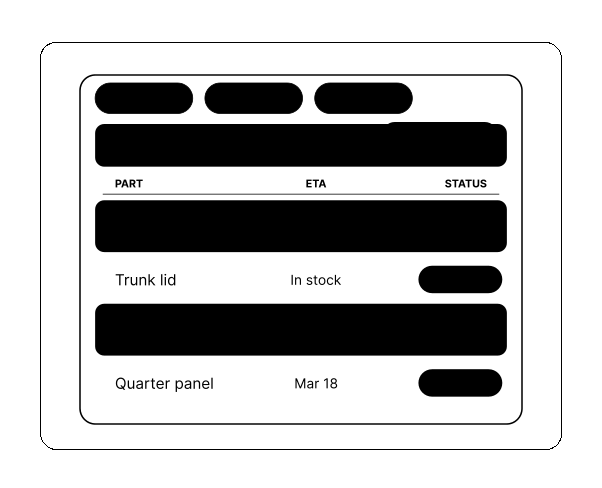
Review the confirmed parts list and place orders. OtoPro tracks expected delivery dates for every part and flags delays. When parts are ordered, a Stripe deposit request is automatically sent to the client via SMS — most clients pay within minutes.
Repair Booking + Drop-Off
Slot booked. Client notified. Vehicle arrives on time.
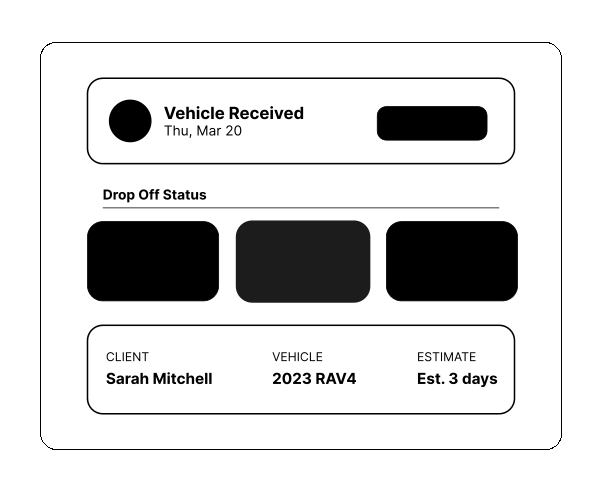
Book the vehicle into the repair calendar with automatic capacity enforcement. OtoPro sends the client a drop-off day reminder via SMS. If the vehicle needs towing, dispatch to your tow partner with one tap. Loaner and rental tracking notes are attached to the job.
Pre-Scan
Know what the computer says before repairs start.
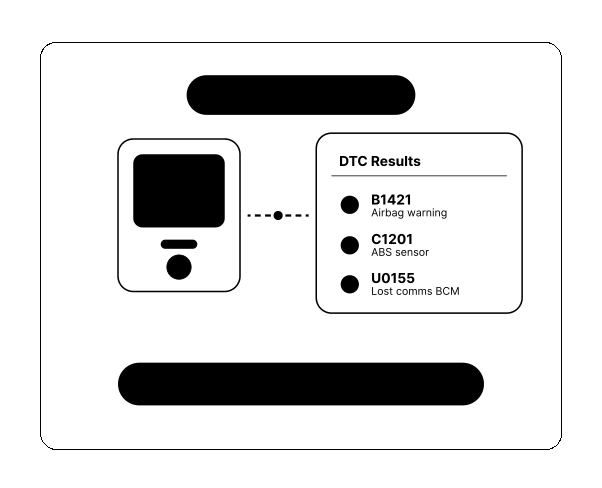
Upload the pre-repair OBD/diagnostic scan report. OtoPro's AI parses the PDF — regardless of scanner brand — extracts all DTC codes, and looks up descriptions. Codes are linked to the estimate for supplement documentation. The scan PDF is stored in the cloud folder.
Active Repair
The job is in the shop. OtoPro keeps everyone informed.
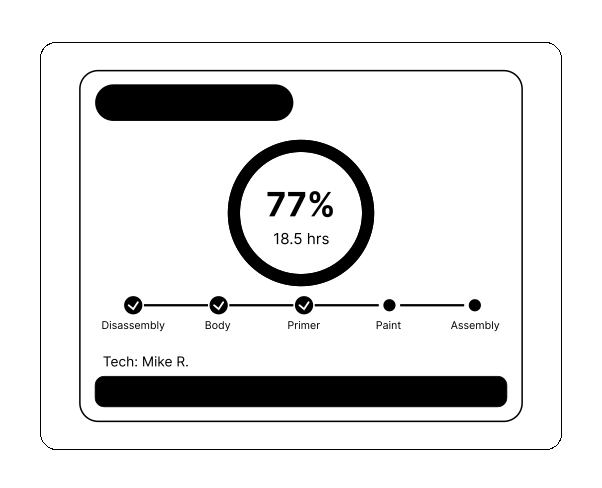
Technicians log time directly in OtoPro with per-job clock in/out. Clients receive proactive milestone updates via SMS at configurable intervals. If additional damage is discovered, supplements are filed immediately with photos and sent for approval — without interrupting the repair flow.
Post-Scan
Confirm all codes are cleared before delivery.
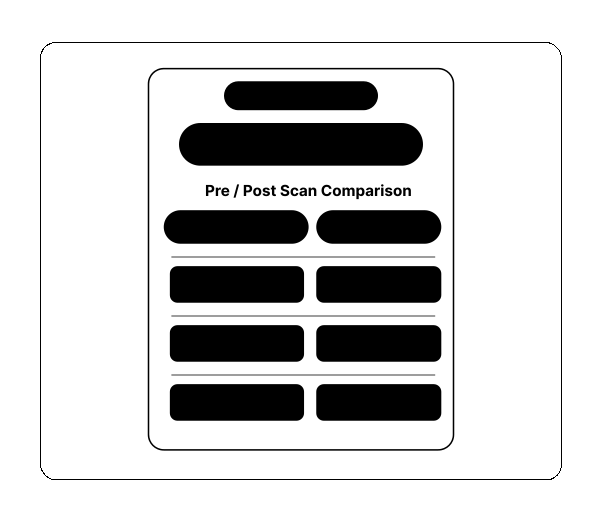
Perform the post-repair diagnostic scan and upload it. OtoPro's AI compares pre and post scan results side-by-side, flagging any DTC codes that remain unresolved. Clearance is documented for the job record and stored in the cloud folder.
Pre-Delivery Inspection
40+ quality checks. Every single time.
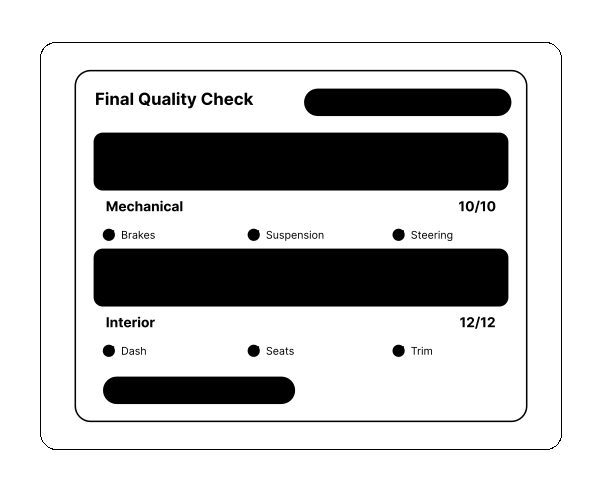
Run through the structured pre-delivery checklist covering 40+ quality control points across body, mechanical, electrical, and interior categories. Any failed items require photo documentation and notes. A digital sign-off is required before the job can advance to delivery.
Delivery + Invoice + CSI
Get paid. Get reviewed. Close the job.
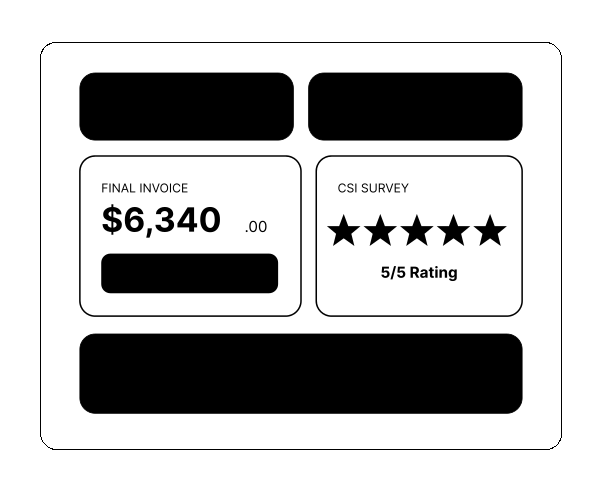
Generate the final invoice and send it via SMS with a Stripe payment link. Clients pay on their phone in seconds. Receipts are delivered automatically. 24 hours after delivery, OtoPro sends a CSI satisfaction survey and prompts happy customers to leave a Google Review.
Not Just a Checklist.
A Workflow Engine.
Other tools give you status labels. OtoPro gives you a locked, sequential process that enforces quality at every step — with full customization for your shop type.
Locked Sequence
Steps cannot be skipped, reordered, or bypassed. Every job follows the same gold-standard path. Managers can override with a logged reason.
Custom Step Builder
Enterprise plans can add custom steps — like 'Dealer Internal Approval' or 'DRP Portal Upload' — at any point in the sequence.
Workflow Templates
Pre-built templates for different repair types: standard collision, DRP, fleet, dealer, and cash jobs. Each template activates the right steps.
SOP Analytics
Track completion rates, average time per step, bottlenecks, and which steps get overridden most. Data-driven workflow optimization.
ReadytoRunEveryJobtheSame
PerfectWay?
14-day free trial. No credit card. Full access to every SOP step, every automation, every feature. Set up your first job in under 5 minutes.